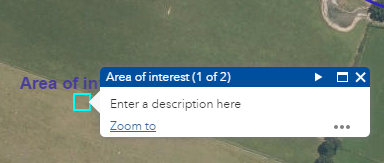
Adding Text / Labels
Select the text icon  to open the text settings.
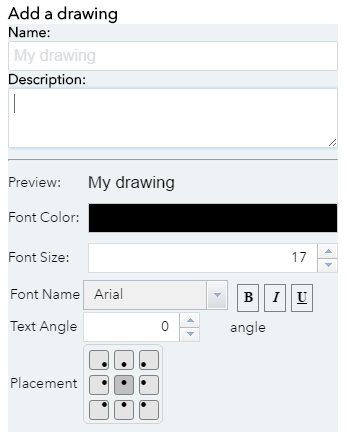
Give the feature a label and a description by entering text into the boxes provided.
You can change the colour, font, font size, text angle and the placement of the text.
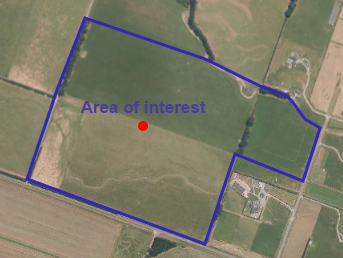
Place your label on the map at the scale you want to print.
Clicking on your label will open a pop up which contains the description details that you entered earlier.