Adding Points
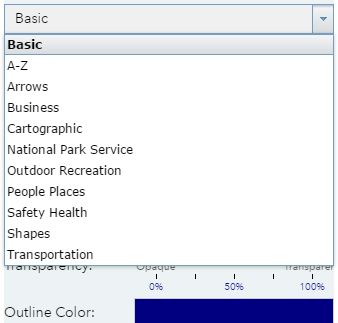
Select the point icon  and choose a style from the templates available. Click on the drop down to choose from different categories.
You can also change the fill and outline colours, the outline width and the transparency (how see through the drawing will be) of basic point markers. For more complex icons, you can adjust the symbol size.
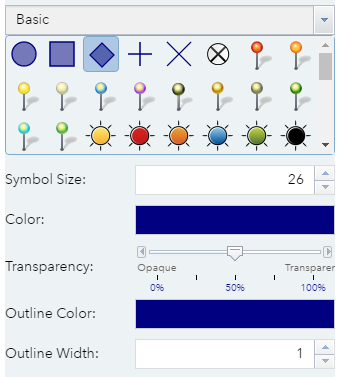
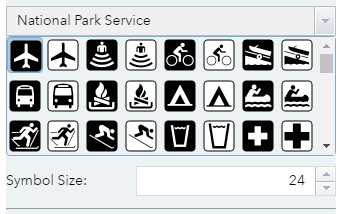
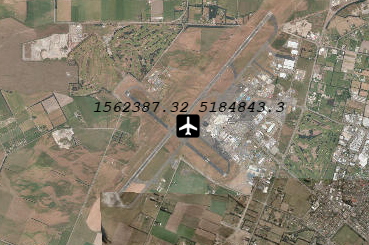
Once you have chosen your icon / marker, click to add a point on your map.
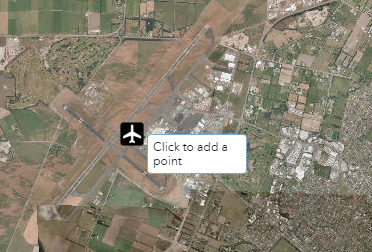
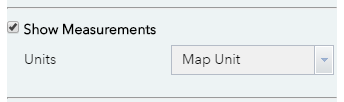
Optionally you can choose to show measurements. This will display the coordinates of the point with the following options:
- Map Unit - New Zealand Transverse Mercator is the default map unit.
- Degrees Minutes Seconds - The World Geodetic System 1984 (WGS1984) with the degrees/minutes/seconds coordinate format.
- Decimal Degrees - The World Geodetic System 1984 (WGS1984) with the decimal degrees coordinate format.