Adding Lines
Select from the line, polyline and freehand polyline icons 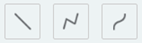 to draw line graphics on your map.
You can select a template or choose the colour, width, style and the transparency of line graphics in your map using the settings provided.
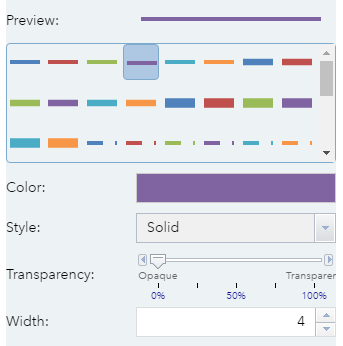
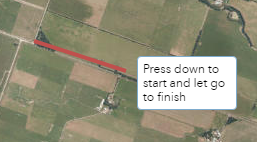
Once you are happy with your line graphic settings, click on the map to start drawing.
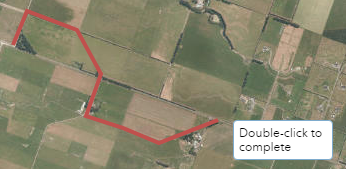
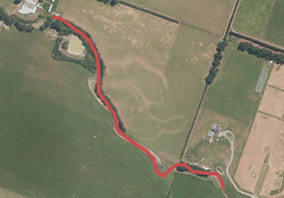
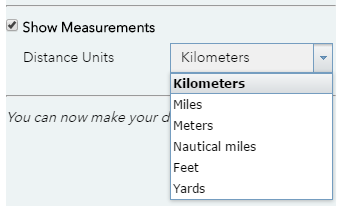
Check the show measurements tick box to display the line measurements on top of the graphic. You can choose from a variety of distance units.